
Screens and Everyday Eye Comfort
Screens are part of work, study, and everyday routines, but long stretches of close viewing can leave eyes tired, dry, or blurry. Some people also notice headaches or neck and shoulder discomfort. These symptoms are commonly described as digital eye strain, and discomfort may increase with prolonged screen use, according to the American Optometric Association.
The discomfort can make it harder to stay focused, but ordinary screen use is not known to permanently damage the eyes, according to the American Academy of Ophthalmology. Regular breaks, comfortable screen positioning, and suitable lighting may help. When symptoms persist or vision changes, a professional eye examination can check for contributing vision or eye-health issues.
At Apple Eye Care in El Paso, comprehensive eye exams and vision correction provide a way to assess individual needs rather than relying on screen habits alone. The practice also offers dry eye treatment, which may be relevant when dryness is part of the discomfort.
Recognizing Digital Eye Strain
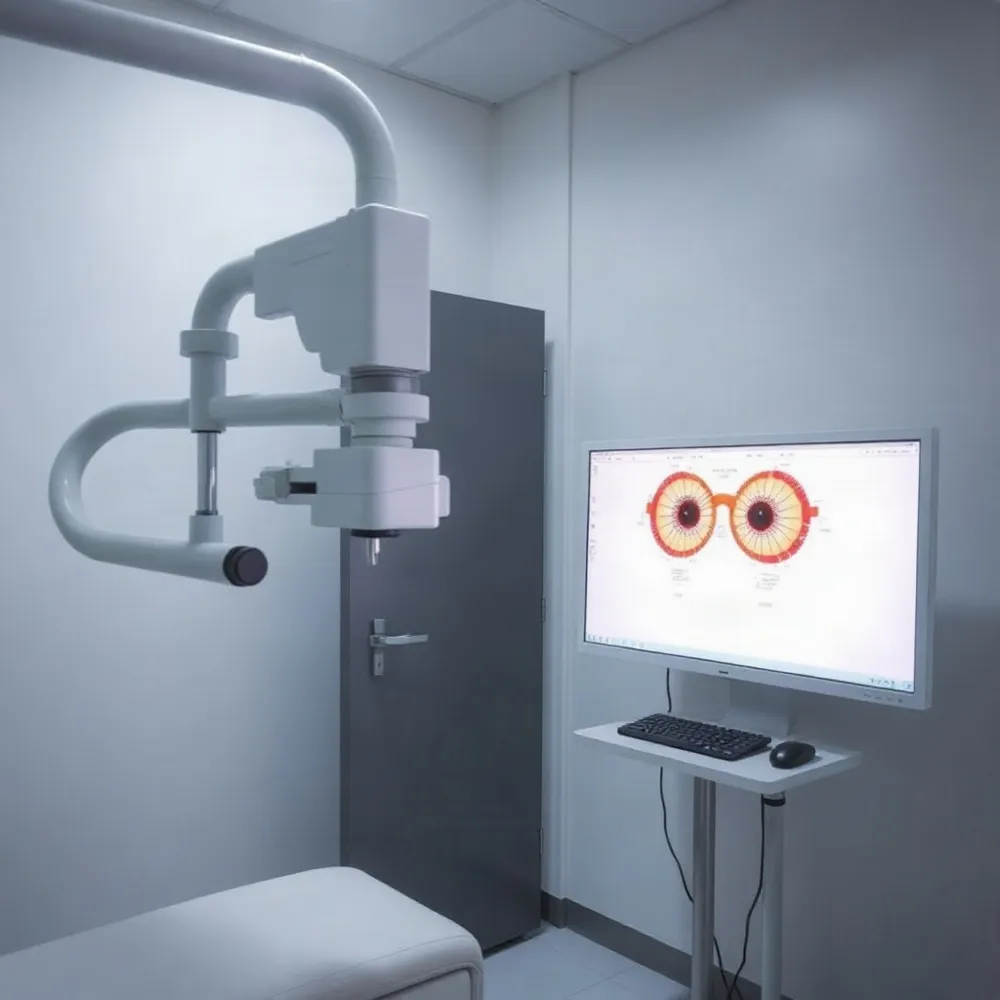 Digital eye strain, also called computer vision syndrome (CVS), is a group of eye and vision symptoms linked to prolonged use of computers, phones, tablets, and other screens. Symptoms can appear during screen use or afterward, and may include tired, sore, irritated, dry, red, or watery eyes.
Blurred vision, difficulty focusing, light sensitivity, and headaches are also common. Some people notice double vision or discomfort in the neck, shoulders, or back. Blurring after a long screen session may ease with rest, but persistent or worsening blur should be assessed by an eye-care professional. The American Academy of Ophthalmology’s guidance on screen-related eye strain explains that screen-related discomfort is generally temporary, but ongoing symptoms warrant attention.
Several factors can contribute at once. Pixel-based text may require repeated focusing, while low contrast, glare, poor lighting, awkward posture, or an unsuitable viewing distance can make screen work less comfortable. People also tend to blink less when concentrating, which can dry the eye surface. The American Optometric Association’s overview of computer vision syndrome notes that uncorrected vision problems, or glasses not suited to computer-viewing distances, may add to the strain.
An eye exam can help assess whether prescription needs or other vision factors are contributing. At Apple Eye Care in El Paso, comprehensive optometry services include eye exams and vision correction, allowing the clinician to consider symptoms alongside a patient’s visual needs.
Building Better Screen Habits
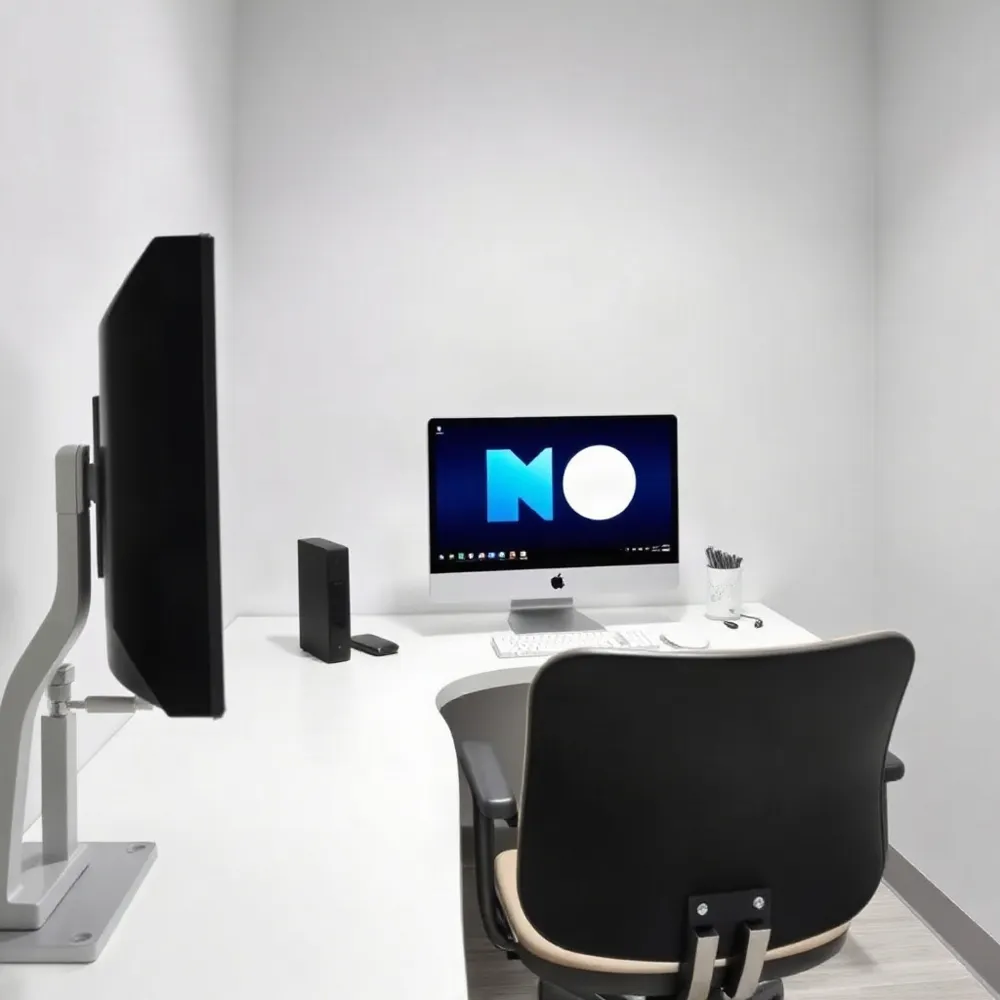 Small changes to how you view and use a screen can make computer work more comfortable. Set the monitor about an arm’s length away, with its top at or just below eye level, and enlarge text until it is easy to read. Adjust brightness and contrast to suit the room rather than forcing your eyes to work against a screen that is too bright or hard to see.
Glare can make screen content harder to see. Position the monitor to limit reflections from windows and overhead lights, and use blinds or drapes or adjust the room lighting when needed. A matte or anti-glare filter may help if reflections remain. Sit upright in a supportive chair, with your feet comfortably supported, so you are not leaning toward the screen or holding your head at an awkward angle. The American Optometric Association’s computer vision syndrome guidance also recommends placing reference materials near the monitor to reduce repeated shifts in focus.
What is the 20-20-20 rule, and does it help with digital eye strain?
The rule is simple: every 20 minutes, look at something about 20 feet away for 20 seconds. Looking into the distance gives your eyes a change from sustained near focusing, and the pause can remind you to blink. It may ease discomfort for some people, but evidence for this exact timing is limited, so treat it as a practical habit rather than a guaranteed treatment. A timer can help you remember.
Blinking often helps keep the eye surface moist. If your eyes feel dry, artificial tears may help, and a humidifier may be useful in a dry room. The AOA also suggests resting your eyes for 15 minutes after two hours of continuous computer work. Use breaks for tasks that do not require close focus, or stand, move, and stretch. Apple Eye Care’s comprehensive optometry services in El Paso include eye exams and vision correction, which can help assess persistent discomfort or blurred vision and whether your prescription may need attention.
Quick Steps for Temporary Relief
When screen-related discomfort starts, pause the task and look across the room or out a window for a few minutes. Regular distance breaks give your eyes a change of focus; the American Academy of Ophthalmology also recommends looking at a distant object during screen breaks. Blink slowly and fully several times to help spread moisture over the eye’s surface.
Reduce reflections from windows or lamps, soften harsh lighting, and adjust the display so its brightness suits the room. Place it at a comfortable distance with the screen slightly below eye level, so you can look down rather than tilt your head or strain forward. These small changes may make viewing easier, though they will not correct an underlying vision issue.
If your eyes feel dry, nonprescription artificial tears may help. Ask an eye-care professional or pharmacist which drops are suitable, especially if dryness persists or you wear contact lenses. Apple Eye Care offers dry eye treatment as part of its optometry services, so persistent symptoms can be assessed in the context of your eye health.
These are comfort measures, not a substitute for an eye examination. Arrange professional care if discomfort keeps returning, does not improve, or affects your vision. At Apple Eye Care, an eye exam can help assess whether dry eye or a vision correction need is contributing to the problem.
Choosing Eyewear for Screen Work
Do computer glasses or blue-light-blocking glasses prevent digital eye strain?
Computer glasses are prescribed to support vision at the intermediate distance commonly used for screens. They may help when an uncorrected prescription or focusing difficulty contributes to discomfort, but they are not a universal fix. The American Academy of Ophthalmology distinguishes computer glasses from blue-light-blocking glasses; blue-light lenses are not a reliable solution for digital eye strain.
Discomfort can also relate to extended near work, reduced blinking, glare, or screen position. Regular breaks, conscious blinking, comfortable lighting, and an ergonomic setup may help, while dry-feeling eyes may need individualized advice about lubricating drops.
During an eye examination, tell your eye-care professional about your work tasks and the distance you usually sit from your screen. The American Optometric Association’s computer-vision guidance recommends discussing actual viewing distances because prescriptions for other activities may not suit screen work. Apple Eye Care provides eye exams and vision correction in El Paso, where an evaluation can help determine whether a specific lens correction is appropriate.
How Long Symptoms May Last
Digital eye strain often eases after you stop using a screen, but there is no single recovery time that applies to everyone. Symptoms such as dryness, blurred vision, or tired eyes may improve with rest, as the American Academy of Ophthalmology explains.
Discomfort can linger or return if long screen sessions continue or contributing problems remain. Dry eye, glare, poor viewing habits, or an uncorrected vision issue may all play a part. Some people also notice lingering blurred distance vision after screen work; recurring symptoms are a reason to look beyond screen time alone.
Digital eye strain is commonly temporary, but it should not be assumed that every ongoing symptom is harmless. If discomfort persists, repeatedly returns, worsens, or interferes with daily activities, arrange an eye examination. At Apple Eye Care in El Paso, comprehensive optometry services include eye exams and vision correction, which can help assess whether an underlying vision concern is contributing.
Until then, taking regular breaks and adjusting screen distance and lighting may help reduce strain. If symptoms do not settle, professional assessment can help guide the next steps.
When Professional Care Is Needed
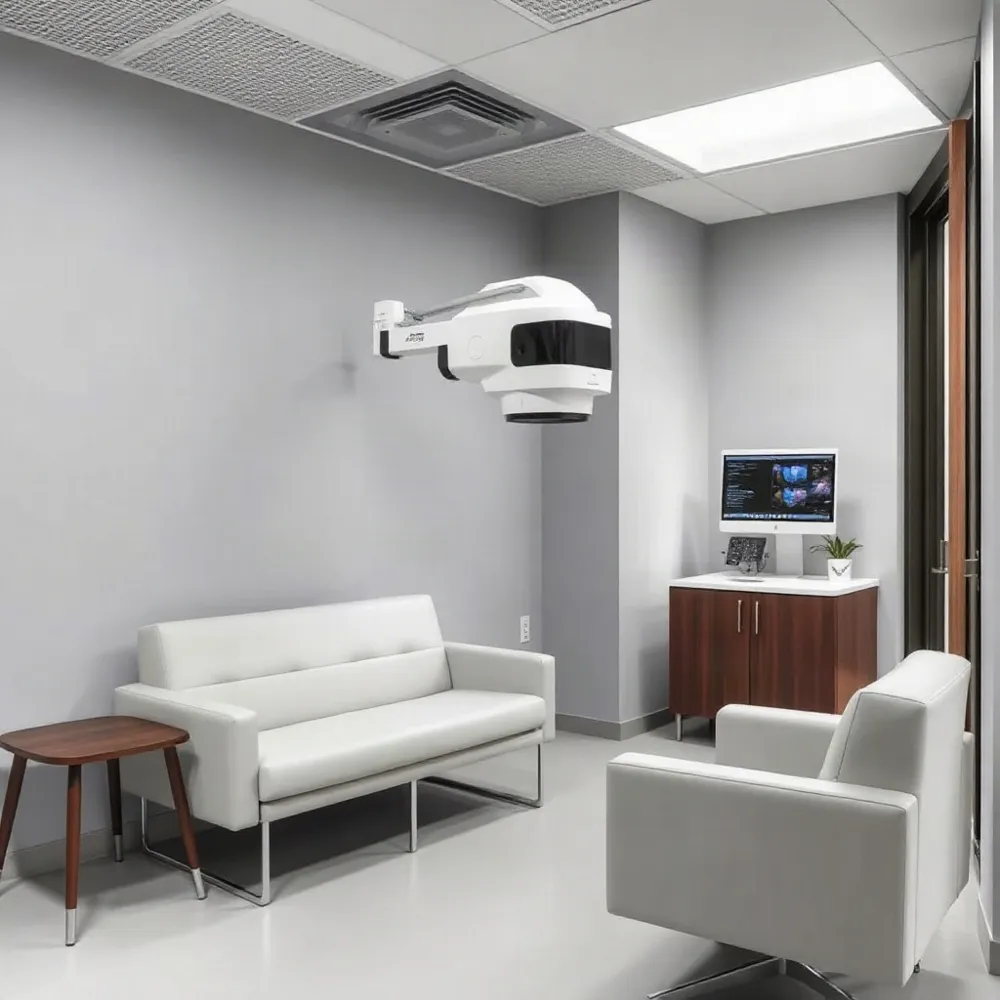 Arrange an eye-care evaluation if screen-related discomfort continues despite breaks and adjustments, returns often, worsens, or interferes with work or daily activities. Repeated dryness, headaches, blurred or double vision, difficulty focusing, or increased light sensitivity also deserve attention. The American Academy of Ophthalmology’s guidance on digital eye strain advises seeking care for persistent blurry, watery, red, painful, or light-sensitive eyes.
A comprehensive eye examination can assess visual acuity and prescription needs, as well as how the eyes focus, move, and work together. The clinician can also consider dry eye and other possible contributors rather than assuming every symptom comes from screen use. At Apple Eye Care, comprehensive optometry services include eye exams, vision correction, and dry eye treatment.
Before the appointment, note when symptoms occur, what helps, and how much time you spend on screens. Describe your work tasks and measure your usual viewing distance if possible. The American Optometric Association’s computer vision syndrome guidance recommends telling your eye-care professional about your tasks and actual screen distance, since these details can help assess your visual needs.
Routine eye examinations can help identify changes in vision or other issues that may contribute to recurring discomfort. Seek urgent care for sudden vision loss or a sudden, severe change in vision.
Comfort Starts With Small Changes
Comfort is usually supported by a mix of habits: take regular breaks, adjust screen distance and lighting, and blink often. No single product or timing rule works for everyone, and persistent symptoms may have more than one cause. The American Academy of Ophthalmology’s screen-use guidance emphasizes practical adjustments and notes that screen-related discomfort is not known to permanently damage the eyes.
If discomfort, dryness, or blurred vision continues, an eye-care professional can assess your vision and discuss options suited to your work and daily routines. At Apple Eye Care in El Paso, comprehensive eye exams and vision correction are part of care that can help identify factors contributing to screen-related symptoms.